Best Construction Management Software for Construction Teams in 2026
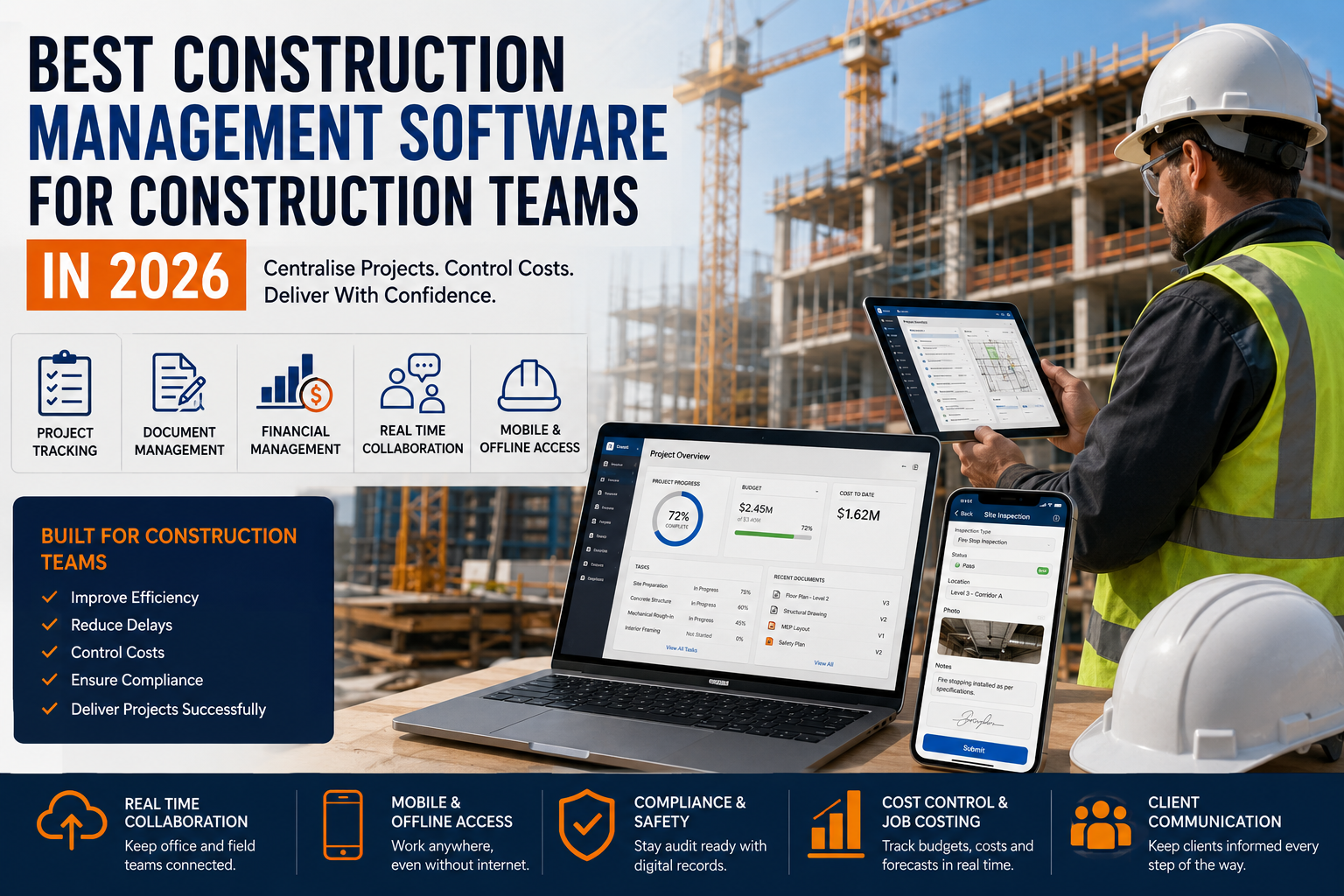
Construction has always been an industry of moving parts. A typical project pulls together architects, engineers, general contractors, dozens of subcontractors, suppliers, inspectors, lenders, and owners, all working against tight schedules and even tighter margins. In 2026, the difference between a project that finishes on time and one that bleeds money is increasingly the software the team relies on to keep everyone aligned.
This guide walks through what construction management software actually does in 2026, which platforms are leading the market, the features that matter most, and how to pick a tool that fits the way your team really works. The same selection logic applies whether you are running a single-family remodel, a multifamily renovation, or a large commercial build. For broader background on operating residential properties, the Real Estate Tips section covers a lot of the surrounding context.
Why Construction Software Has Become Essential
Ten years ago, plenty of contractors ran their entire business on a combination of email, spreadsheets, paper plans, and group texts. That still works for very small jobs, but it breaks down quickly once a project involves more than a handful of people. Lost change orders, outdated drawings, missed inspections, and disputes over what was promised verbally are all expensive failures of communication, and the cost compounds with every additional trade on site.
Modern construction management software exists to solve those communication failures. It centralizes the project record so that the drawing in the field crew's hands is the same one the architect just updated, the budget the owner is seeing matches the one the project manager is tracking against, and the question someone asked in week three is still findable in week thirty. That kind of consistency is what protects margins on a large project and protects relationships on a small one.
It also protects the building itself. Documentation matters long after substantial completion. Owners and property managers refer back to construction records when they handle warranty claims, plan renovations, or evaluate exterior building maintenance programs years down the line. A well-organized construction record is an asset that keeps paying out.
What Construction Management Software Actually Does
Most platforms are organized around a few core capabilities. The strongest products handle all of them well rather than excelling at one and dragging on the others.
Document and Drawing Control
This is the backbone. Drawings, specs, contracts, permits, RFIs, submittals, and inspection reports all live in one place with proper version history. When the architect issues a revised drawing, every person on the project sees that the old one is superseded. Field teams view the current set on a phone or tablet, sometimes with offline caching for sites where signal is unreliable.
Scheduling and Project Tracking
Gantt charts, milestone tracking, and dependency management remain the workhorse tools of project management. The better systems also pull progress data from the field, so the schedule is updated by what actually happened on site rather than what someone hoped happened.
Budget, Cost, and Change Order Control
Construction projects rarely finish at the exact budget they started with. The platforms that earn their keep are the ones that make every change visible, priced, approved, and tied back to the original contract. This is where most disputes get resolved before they become disputes.
Field Communication
Daily logs, punch lists, photo documentation, and direct messaging between the trailer and the office. The best tools make this easy enough that the field actually uses them, which is the only thing that matters. A perfect feature that nobody opens on their phone is worse than a simpler feature that gets used every day.
Reporting and Owner Visibility
Dashboards that summarize where a project stands without requiring the project manager to assemble a report from scratch. Owners and lenders increasingly expect this kind of visibility as standard.
The Top Construction Management Platforms in 2026
The market has consolidated around a handful of strong players, with a long tail of niche tools serving specific segments. The platforms below are the ones most teams will be evaluating.
Procore
Procore continues to be the most recognizable name in commercial construction management. It handles the full lifecycle from preconstruction through closeout, with deep modules for document control, financials, quality and safety, and resource management. It is most at home with general contractors managing multiple medium-to-large commercial projects, and the pricing reflects that.
Autodesk Construction Cloud
For teams that live in Autodesk's design ecosystem, Autodesk Construction Cloud is the natural choice. The integration with Revit and AutoCAD makes BIM workflows much smoother, and the platform has matured significantly in cost management and field execution. It tends to be strongest on projects where design coordination is the hardest problem.
Buildertrend
Buildertrend is built around the residential and light commercial market. It places a lot of emphasis on the homeowner experience, with client portals, selections, and progress sharing that work well for custom home builders and remodelers. Pricing is more accessible than the enterprise platforms, which is part of why it has held strong adoption in its segment.
CoConstruct
CoConstruct overlaps significantly with Buildertrend and is now part of the same parent company. It remains particularly strong for custom builders who want detailed selections, allowances, and client communication tools tightly woven into the project record.
Fieldwire
Fieldwire is built for the field first. Plan viewing, task assignment, punch lists, and inspections all work smoothly on a phone, and the offline mode is genuinely usable. It is often deployed alongside another platform rather than as the sole system of record, particularly on jobs where the field is the bottleneck.
Contractor Foreman
Contractor Foreman has earned a following among smaller contractors who want a broad feature set without enterprise pricing. It covers estimating, scheduling, time tracking, and financials reasonably well, and it is a common landing spot for teams stepping up from spreadsheets.
Bluebeam Revu
Bluebeam is not a full project management system, but it sits in the workflow of almost every estimator and project engineer in the industry. Its takeoff and markup tools remain the standard, and most major platforms integrate with it rather than try to replace it.
How AI Is Reshaping Construction Software in 2026
Every major platform now markets some form of AI capability. Most of it is not magic, but a few applications have become genuinely useful.
Document classification has gotten very good. Upload a stack of mixed PDFs and the system can sort drawings from specs from contracts from permits and route them to the right folders with the right version metadata. That alone saves hours per week on a busy project.
Schedule risk prediction is more controversial but improving. The models look at the current schedule, weather forecasts, supplier lead times, and historical performance on similar tasks to flag activities that are likely to slip. The output should be treated as a prompt for a conversation rather than a verdict, but it surfaces problems earlier than a human eye would.
Photo-based progress tracking compares site photos to the BIM model and the schedule to estimate percent complete by trade. It is not perfect, but it is faster than walking the site with a clipboard.
Natural language search across project records is the most underrated AI feature in 2026. Asking a question like "what did we decide about the kitchen exhaust fans" and getting back the relevant RFI, drawing markup, and email thread is a real time-saver, especially on long projects with high turnover.
The teams getting the most value from AI are the ones that have already cleaned up their data hygiene. AI tools are only as good as the records they read.
Choosing the Right Platform for Your Team
The honest answer to "which is best" is that it depends on the kind of work you do and the size of your team. A custom home builder in the suburbs has very different needs from a commercial general contractor running three hospital projects.
A few questions worth working through before you commit:
- How many active projects will live in the system, and how big are they?
- Who needs access? Just the office, or every subcontractor and inspector too?
- What does the existing tech stack look like, and where will the new platform need to integrate?
- How comfortable is the field with technology, and what kind of devices are they actually using?
- How important is the owner-facing experience to your sales process?
- What is the realistic budget, both for the software itself and for the time to roll it out?
Rollout matters as much as selection. A platform that the field refuses to use is worse than the spreadsheet it replaced, because now you are paying for both. Plan for training, designate a champion on the team, and start with a single pilot project before flipping the whole company over.
For teams that are also evaluating risk management and compliance practices on the job site, the broader discussion in navigating construction site liability is worth reading alongside any software decision. Good software supports good practices, but it does not replace them.
Construction Software and Property Owners
Construction management software is built for builders, but property owners and managers benefit indirectly. When the team building or renovating your asset uses a real platform, you get cleaner closeout documents, better warranty records, and a more defensible paper trail if something goes wrong.
That documentation also feeds directly into ongoing operations. Maintenance teams reference original spec sheets, equipment manuals, and as-built drawings constantly. The thinking in proactive maintenance and property ROI applies here too. The buildings that are easiest to maintain are the ones where the construction team kept good records and handed them off properly.
If you are an owner commissioning work, asking the contractor which construction management platform they use is a fair question. The answer tells you a lot about how the project is going to be run.
Conclusion
The best construction management software in 2026 is the one your team will actually use, that fits the scale and complexity of your work, and that produces a closeout record someone can still make sense of in five years. The headline names — Procore, Autodesk Construction Cloud, Buildertrend, CoConstruct, Fieldwire, Contractor Foreman, Bluebeam — each have a clear sweet spot, and most teams will be best served by picking the one that matches their segment rather than the one with the longest feature list.
The platforms keep improving, AI keeps getting more useful, and the gap between teams that have adopted modern tools and teams still running on spreadsheets keeps widening. The investment is no longer optional for anyone serious about scaling.
Frequently Asked Questions
What is construction management software?
Construction management software is a digital platform that helps contractors and builders plan, track, and deliver projects from a single interface. It typically combines scheduling, document control, budgeting, communication, and reporting so that office teams, field crews, and subcontractors can work from the same up-to-date information.
Which construction management software is best for small contractors in 2026?
Smaller contractors usually do better with simpler, mobile-friendly platforms that focus on scheduling, change orders, and client communication. Tools like Buildertrend, CoConstruct, and Contractor Foreman are popular in this segment because they offer lower entry pricing, faster onboarding, and good support for residential workflows.
What is the best construction software for large commercial projects?
Procore and Autodesk Construction Cloud are widely used on larger commercial jobs because they handle complex document control, BIM coordination, RFIs, submittals, and multi-tier subcontractor management at scale. They tend to be more expensive, but they pay back the cost on projects where coordination errors can be very costly.
How is AI changing construction management software in 2026?
In 2026, most major platforms include some form of AI assistance. The most useful applications today are automatic document classification, schedule risk prediction, drawing comparison, photo-based progress tracking, and natural-language search across project records. AI is not replacing project managers, but it is removing a lot of the manual work that used to slow teams down.
Should property managers use construction management software?
Property managers running larger renovation, repositioning, or capital improvement projects often benefit from construction-grade tools. For day-to-day operations like leasing, maintenance, and tenant communications, a property management system is usually a better fit, with construction software brought in for major capital work.
How much does construction management software cost in 2026?
Entry-level platforms aimed at small residential contractors generally start around $100 to $400 per month for a single user or a small team. Enterprise platforms used by general contractors typically run several thousand dollars per month and are often priced as a percentage of annual construction volume rather than per user.
What features matter most when choosing construction software?
The most important features are typically mobile access from the job site, drawing and document control with version history, scheduling, budget and change order tracking, RFIs and submittals, photo logging, and integrations with accounting and payroll. Anything that adds friction for field crews tends to get bypassed, so usability on a phone is often more important than headline feature counts.